A lost-phone service cannot be configured fully after the phone disappears. It needs an account, screen lock, location settings, network participation, and a recovery method prepared in advance. Run one test from another device now, while mistakes are easy to fix.
Apple calls its service Find My. Google renamed Find My Device to Find Hub. Older phones and articles may still show the previous name.
Prepare account recovery first
Confirm the Apple Account or Google Account email, recovery phone, trusted devices, and multifactor method. Store recovery codes securely away from the phone. If the lost phone is the only way to approve sign-in, finding it from another device can become unnecessarily difficult.
Use a strong screen passcode. Biometric unlock is convenient, but the passcode remains essential after restarts and remote security actions.
Set up Find My on iPhone
Open Settings > [your name] > Find My > Find My iPhone. Review Find My iPhone, Find My network, and Send Last Location. The network can help locate supported devices when they are offline; Send Last Location can transmit location as battery becomes critically low.
Location Services must support the feature. Do not share the Apple Account password with a helper. Apple provides iCloud.com/find with access designed for a lost-device situation.
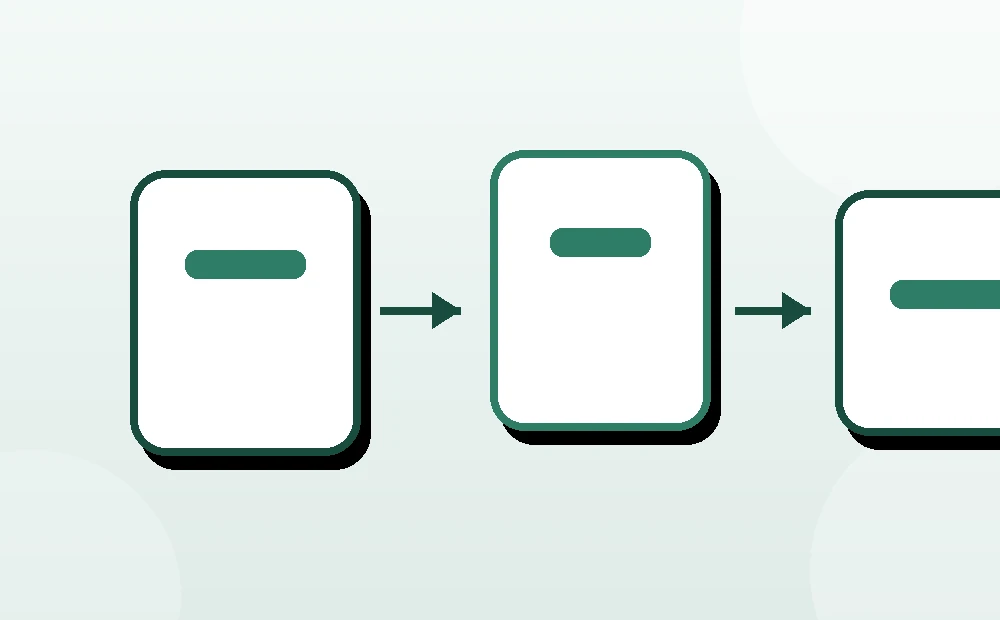
Set up Find Hub on Android
On current Android, check that the phone is signed into the correct Google Account, has a screen lock, and has Location on. Search Settings for Find Hub, or on many devices open Settings > Security > Find Hub and enable device location.
Review Find your offline devices. Google states that supported Android devices can store encrypted recent locations and participate in a crowdsourced, end-to-end encrypted network. Available options vary by Android version and region.
Run a safe test
- Place the phone in another room with power and connectivity.
- On a trusted computer, open iCloud.com/find for iPhone or android.com/find / Find Hub for Android.
- Sign in without saving credentials on a borrowed device.
- Select the correct phone and use Play Sound.
- Stop the sound on the phone and verify the displayed location is plausible.
- Sign out of the borrowed device and close private browsing.
Do not test Erase, Factory Reset, or Lost Mode casually. Those actions can interrupt access or permanently remove data.
Choose the least destructive action
| Situation | First action |
|---|---|
| Phone likely under furniture | Play Sound |
| Left at a known safe venue | Call venue; view location and retrieve safely |
| Lost in public | Mark as Lost / secure the device and add return contact |
| Suspected stolen | Do not confront anyone; contact police and carrier |
| Sensitive data at risk and recovery unlikely | Consider remote erase after understanding consequences |
Location is an estimate. A map pin is not proof that a particular person possesses the phone.
Understand lock and lost modes
Apple Lost Mode locks a supported device and can display contact information. Android Find Hub can Mark as lost, lock with the existing credential, and display a message. Use a callback number that remains reachable, not the number of the missing phone.
Avoid putting a home address, travel details, or reward promise on the lock screen. A simple alternate number is enough.
Treat erase as final
Remote erase deletes data when the command reaches the device. Google warns that after Android is erased, location is no longer available through Find Hub; reactivation also requires the Google Account password. Apple behavior depends on device and security features, but erase still has serious consequences.
Before erasing, consider backups, account sessions, payment cards, carrier suspension, and police reporting. Do not erase merely because a helper cannot interpret the map.
If the phone is already missing
Use the official web service, mark it lost, contact the carrier to protect the SIM/eSIM, and review important accounts. Change credentials if account compromise is suspected, but understand that changing or removing accounts can affect remote finding. Follow Apple or Google lost-device guidance in order.
Never give a verification code to someone who claims they found the phone. Thieves may send phishing messages designed to remove activation protection.
Review after every phone change
Test the new device, update recovery methods, remove retired devices only after data transfer, and confirm backups. Record the device serial number or IMEI securely for carrier or police use.
The setup is ready when the owner can reach the official find page from another device, sign in safely, play a sound, and explain the difference between locate, lock, and erase.